
Global Variables
What is a global variable?
A global variable is a named value that is stored once at the account level and can be used in any flow. Instead of typing the same value into multiple activities or flows, you reference the global variable, and every flow picks up its current value.
How to create a global variable
- Go to Flows from the left panel.
- Under the Advanced panel, click Variables.
- Click + New Variable in the top-right corner.
- Set the Name and Type. Optionally, add a Description and a Default Value.
- Click Add Variable - the global variable is created.
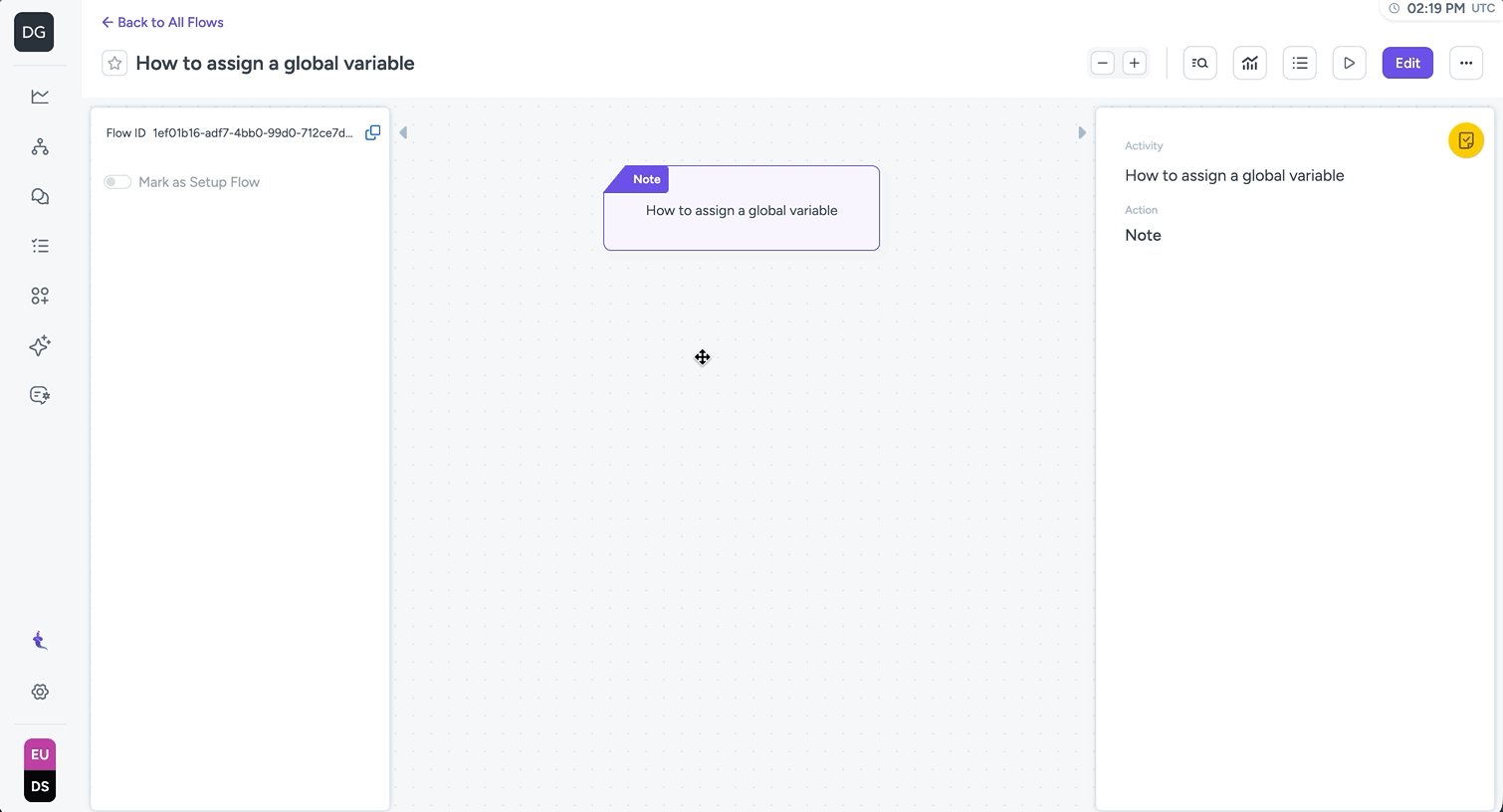
How to assign a global variable
- Edit the flow and click the + button where you want to set the variable.
- Add the Global Variable action from the Activity panel on the right.
- Select the variable you want to assign, and set the value for it.
- Save the flow.
Updated 20 days ago
Did this page help you?