
Templates & Prompts
What is a template?
A template is a reusable response text with placeholders that DigitalGenius can fill in with real customer and order data. They are used to create customer responses and generative AI prompts in the automations.
How to find a template/prompt
-
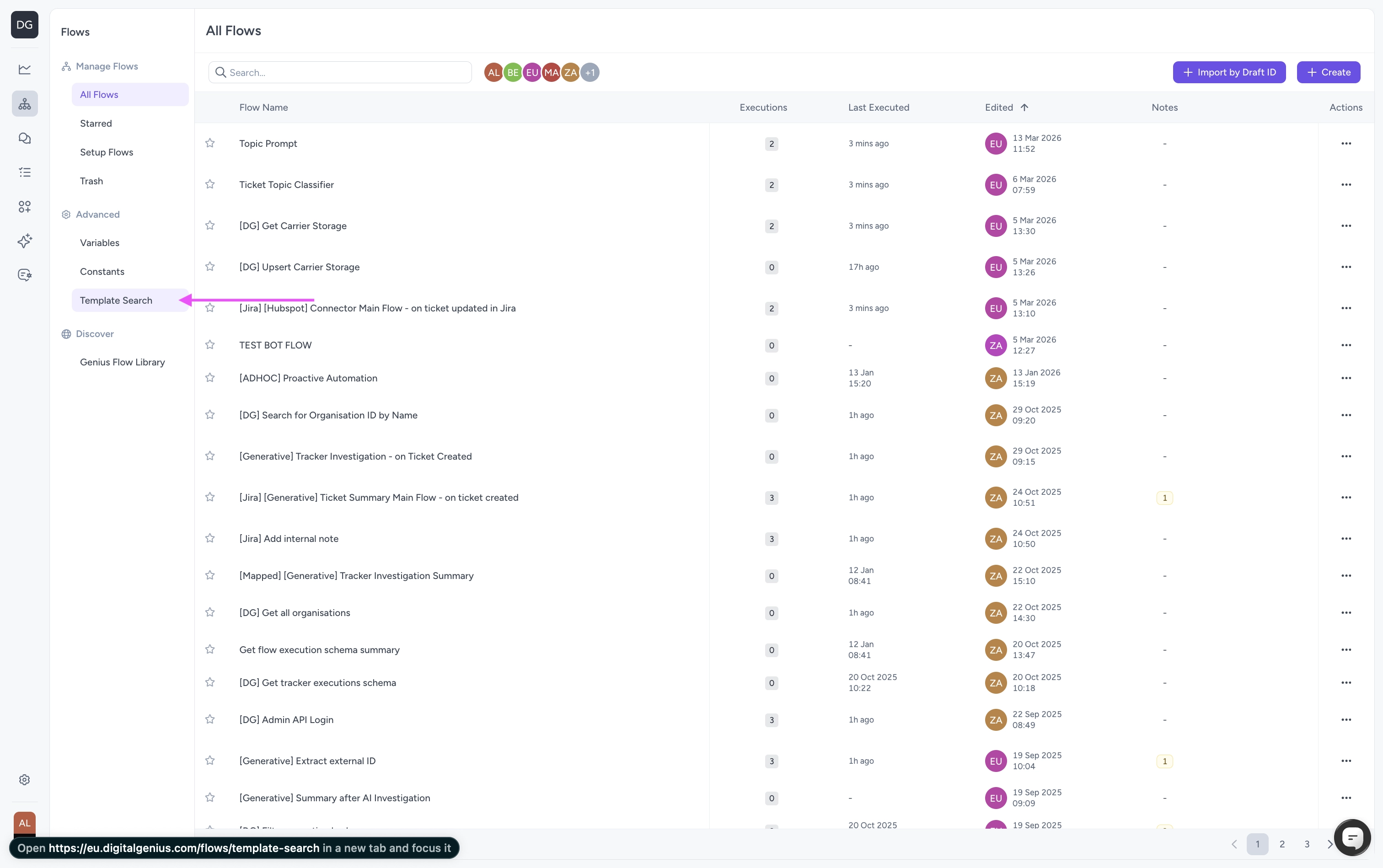
Go to the Flows.
-
Click Template Search.
-
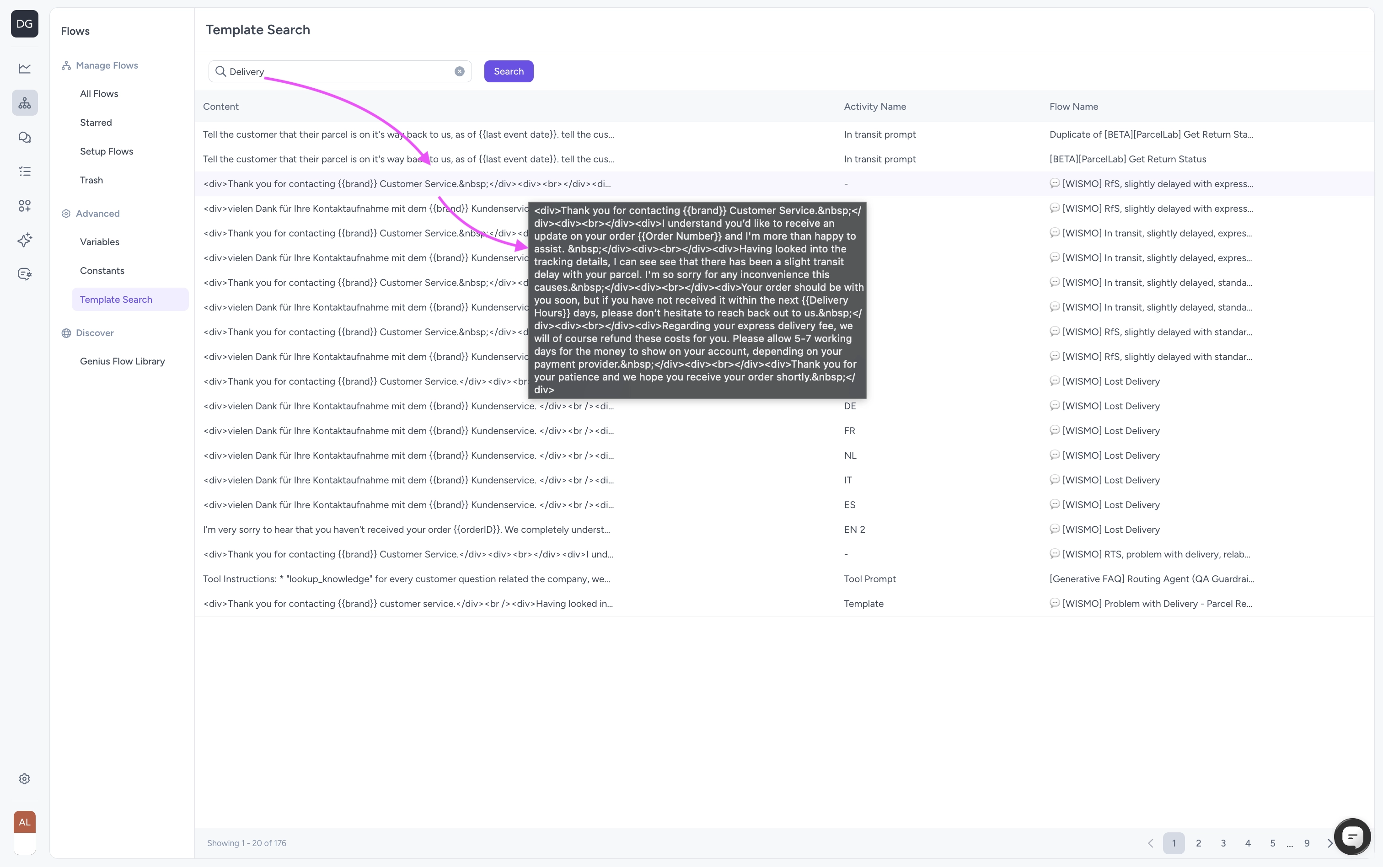
Type the name of the template or part of the content into the search bar.
-
Find your template in the list of search results
-
Click the search result in the list to be taken to the flow where that template is used.
How to update a template/prompt
-
Click the Edit button.
-
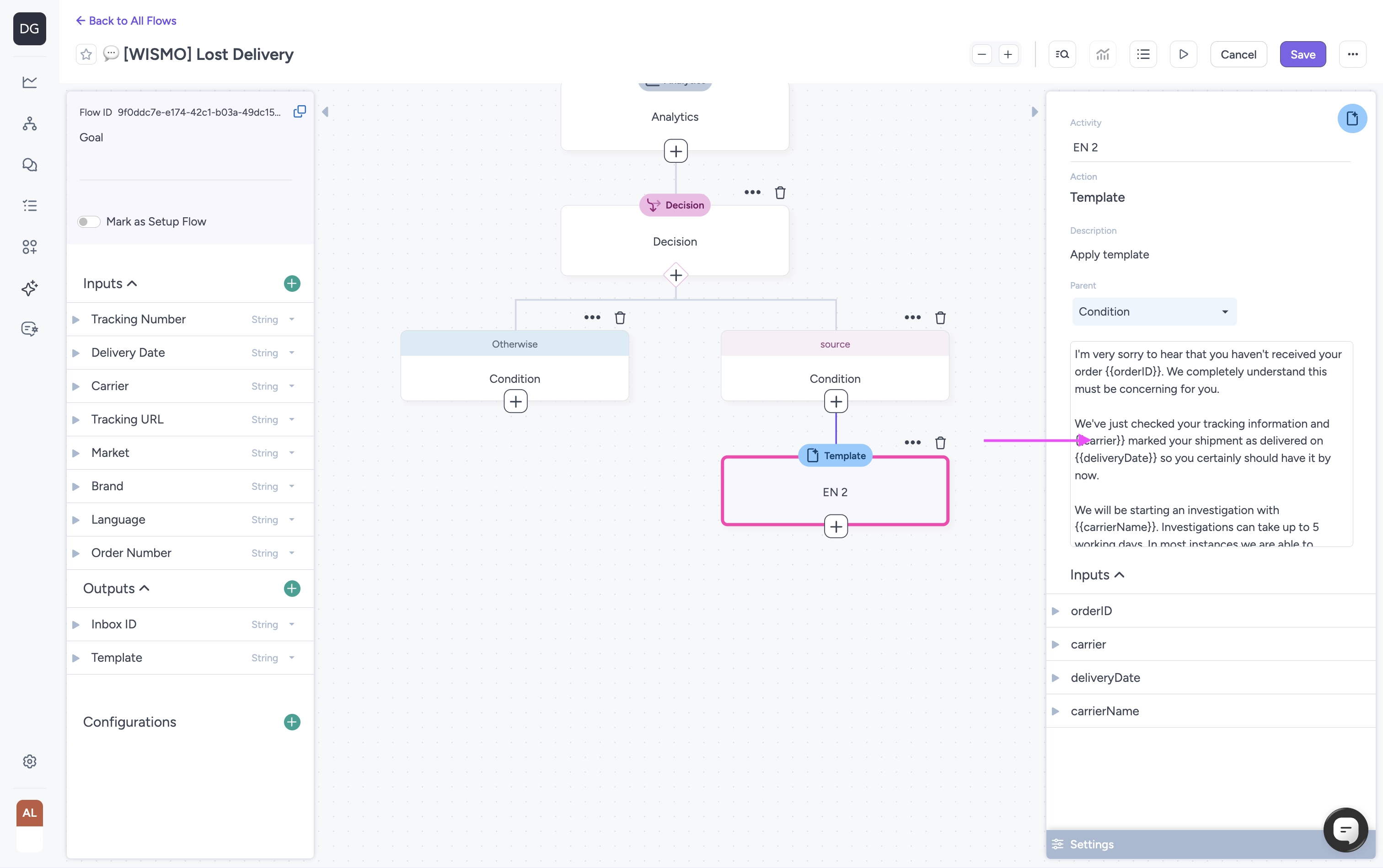
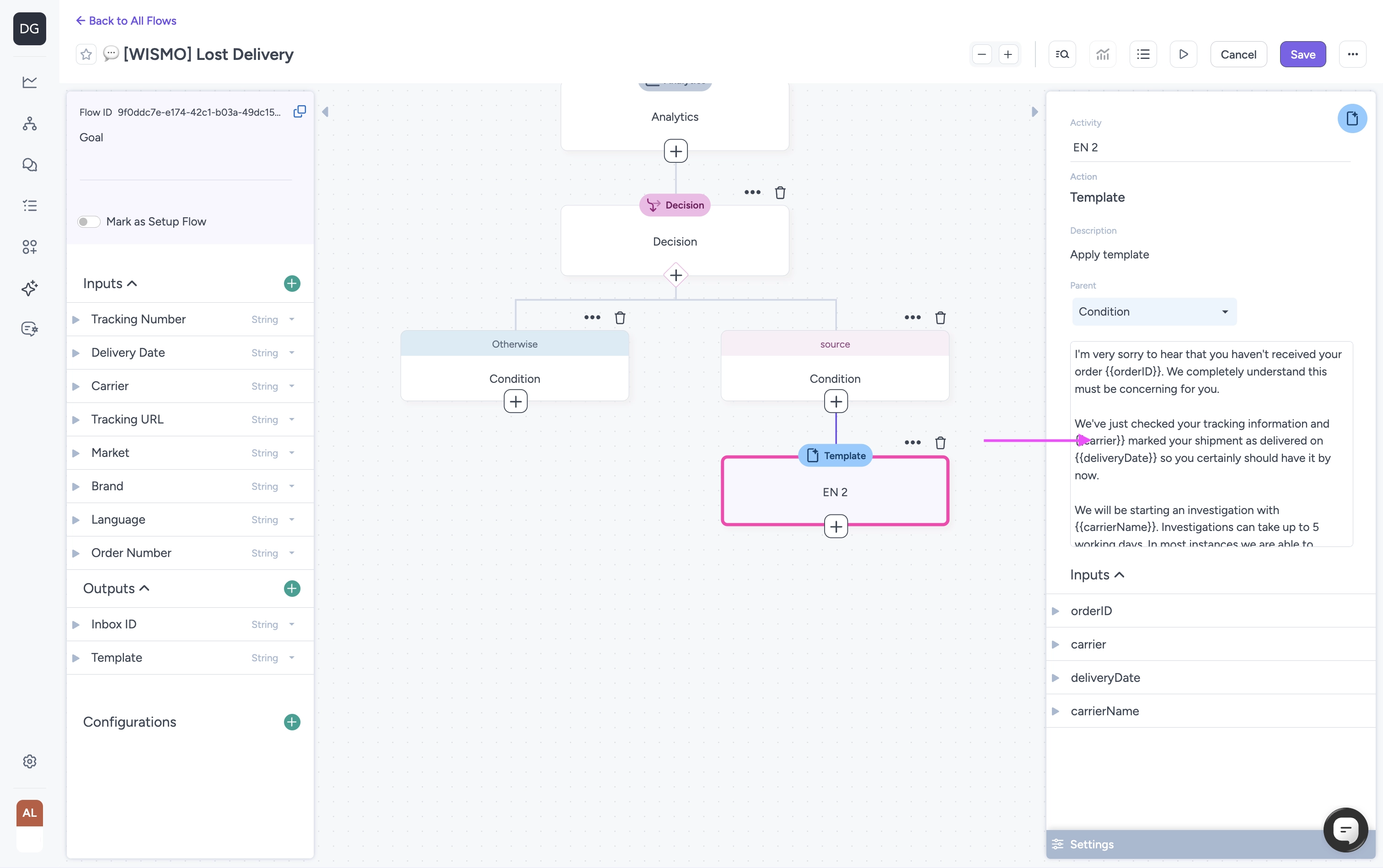
Click on the Template activity you want to update.
-
Click the content of the template in the Activity panel on the right.
-
Edit the template using the text editor popup.
-
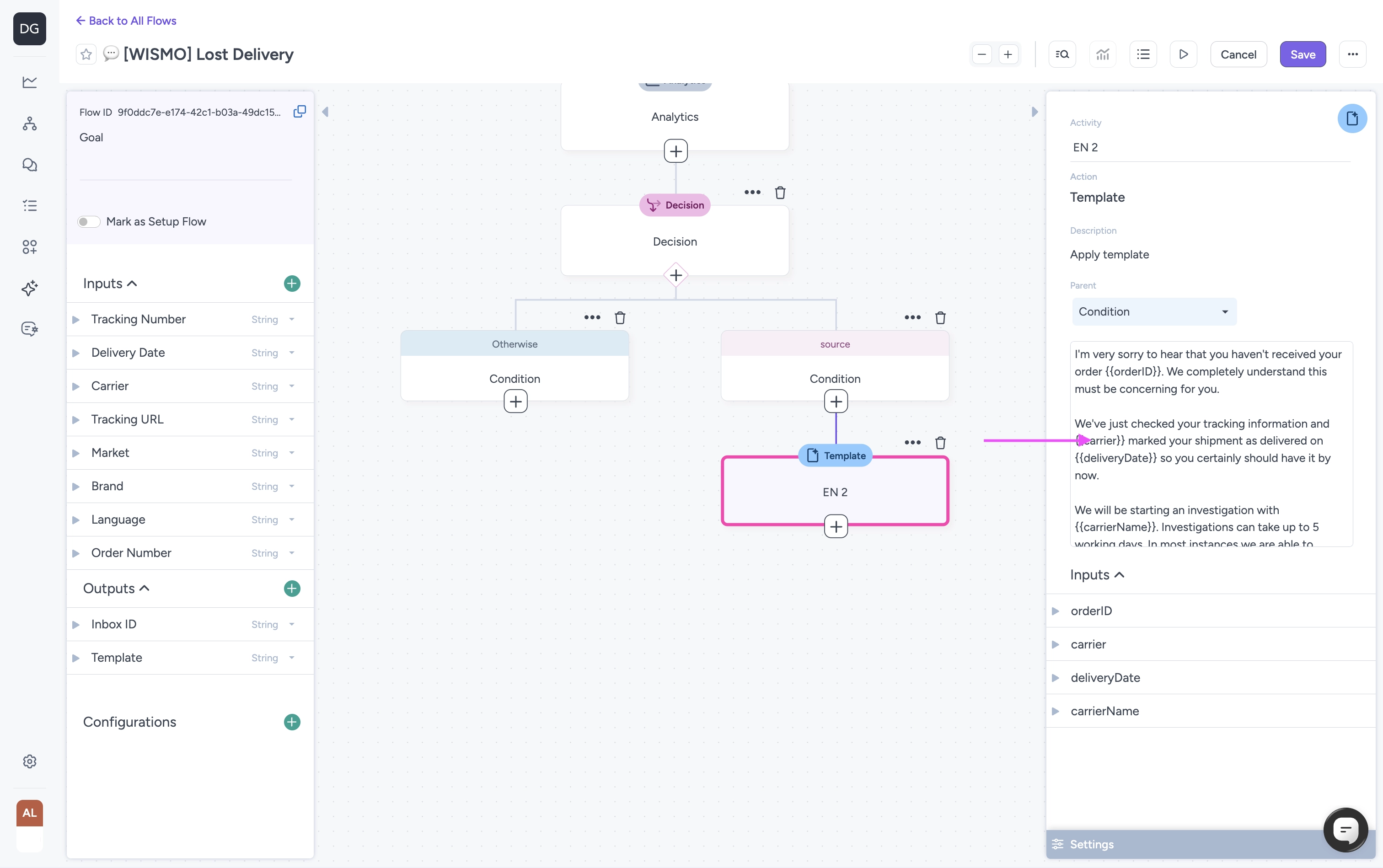
Once you’ve made your changes, click Save on the popup window.
-
Click Save in the flow editor to save your changes.
Updated 20 days ago